Product
Learn more about the all-in-one, most powerful solution for community engagement
We power great communities across all industry sectors.
Small and large enterprises turn to Hivebrite to engage with customers, partners, employees, alumni, industry experts, and more
Charities, foundations, NGOs, and government organizations turn to Hivebrite to engage with donors, volunteers, and mentors
Schools, colleges and universities use Hivebrite as a digital engagement hub for their student & alumni groups, researchers, mentors and volunteers
Clubs, Associations and professional bodies rely on Hivebrite to offer their members networking and collaboration opportunities, and other services
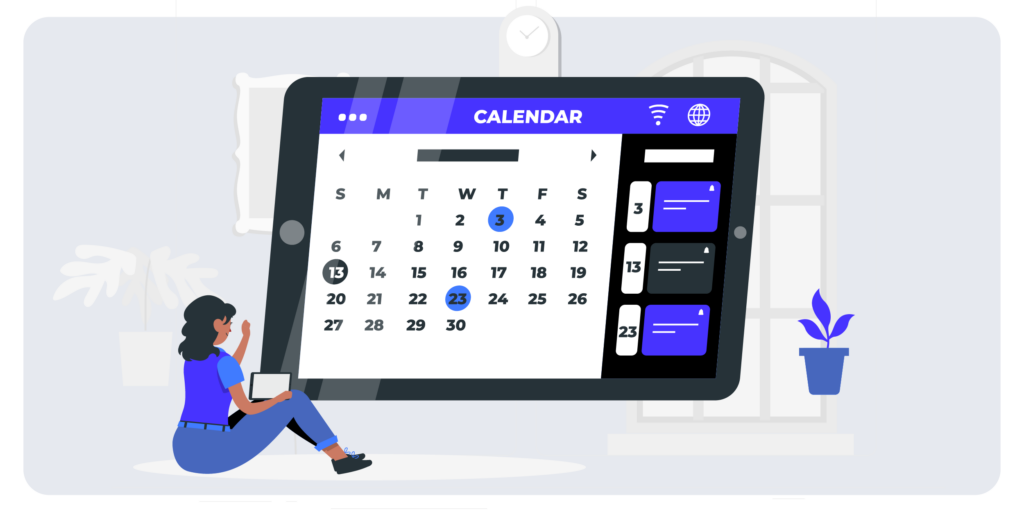
A community content calendar is an essential tool for managing your community content and engaging your community members. It provides a centralized and organized system for planning, scheduling, and tracking your content, encouraging regular posting and creating content that aligns with your community’s interests and needs. For teams of multiple people, a content calendar keeps everyone on the same page and offers a central source of truth for content in your community.
A content calendar also allows for long-term planning and strategic alignment, enabling you to create content to coincide with important dates, events, or campaign launches, keeping your posts relevant and timely for your members.
Your content calendar is the scaffolding of your content plan, and includes five core pieces of your content strategy:
Content objectives are a bridge between your community’s content strategy and the content you create. By matching each piece of content you schedule with your content objectives, you ensure that the content you and your team are creating is in service of your overall strategic plan—and your audience.
Whether the goal is to increase engagement, drive sales, or educate members, having specific content objectives helps you and your team create useful content that both educates and delights your members and aligns with your strategic goals as a team.
Community content objective examples:
An important part of the content calendar is answering a straightforward question: How often are you going to post? Regular posting is important for engagement, and a regular cadence helps your members understand what to expect from your community.
If you’re just getting started, we suggest that you aim to post 1-3 times per week in your community. One high-quality post a week is much more valuable and effective than several rushed posts. Focus on quality over quantity and scale over time in a way that works for your team.
Experiment with days and times for your posts. Tuesdays and Wednesdays tend to get the most engagement on average, but your community could be different! Test out posting times and monitor engagement to see when people are most likely to interact with your content.
Monthly themes help you build out your calendar by simplifying the content ideation process. By setting a theme for each month, you provide a framework that allows for focused content creation without feeling overwhelmed by endless possibilities. These themes can be tailored specifically to your community, ensuring relevance and resonance with your target audience.
If you have an industry-specific annual calendar, you can align your themes accordingly. However, if you need additional inspiration, our 2026 Holidays Calendar can help kickstart your planning process.
Content theme examples for each month
Diversifying your content post types is crucial to maximize engagement within your community. By aligning your post types with your content objectives and monthly themes, you can frontload much of your ideation work, bringing focus and direction to your content creation strategy.
To further enhance your content calendar, branding your post types as content properties adds cohesion and excitement to your plan. Not only does this approach simplify content planning, it also provides consistency and a sense of anticipation for your members, leading to greater engagement and an enhanced community experience overall.
Community content post type examples
| Prompt (ask a q!) | Ask a question |
| Poll | Post a poll |
| Member challenge | Challenge the community to reach a goal or try something new |
| AMAs | Solicit questions from your members |
| Study (link to study) | Share a new study |
| Resource | Highlight a guide in our resource library |
| News | Share a relevant news story |
| Tips & tricks | Share a relevant tip or trick |
| Infographics | Post an infographic |
| Image (meme, pic) | Share a meme, picture, etc |
| Link | Share an interesting link |
| Show and tell | Invite a member to post |
| Videos | 15 second to 5-minute videos |
| Member showcase | Highlight a member |
| Motivational quote | Share a motivational quote |
A comprehensive content calendar should not only help you schedule and track content, but also serve as a hub for content ideation and assignments. This feature acts as the central point of the calendar, making it easy for you and your team to brainstorm and record content ideas.
In addition to the basic details such as the author, publishing date, and link to the content, you can expand this section to include more information. For example, you might include an editor’s name for each piece, a link to relevant images or multimedia, or even allocate space within the calendar to include the text of the content itself.
By incorporating these additional details, your content calendar becomes a comprehensive tool that enables streamlined collaboration, facilitates idea generation, and promotes efficient content creation and publishing processes.
| Week | Mon | Tue | Wed | Thu | Fri |
| Week 1 | Ask a question: What’s one thing you’re working on this week that you want accountability for? | Resource: Highlight a guide + Reply with 👍 if you want a 10-min walkthrough. | Poll: Which do you want next: templates, funding, customer discovery, or operations? | Tips & tricks: A 3-step way to validate an idea in 48 hours | Member showcase: Feature a member + Drop them a question or kudos. |
| Week 2 | Member challenge: Post your #1 goal + the smallest next step you’ll do today. | News: Share a relevant story + What’s the opportunity/risk here for you? | AMA: Ask me anything about ___ — drop questions by EOD. | Infographic: Customer funnel checklist + Which step is your biggest bottleneck? | Show and tell: Share a screenshot (landing page/pitch/product) — get feedback. |
| Week 3 | Motivational quote: Quote + 1–2 lines tying to community mission | Study: Share a new study + What surprised you most? | Poll: How often do you want live sessions? Weekly / biweekly / monthly | Videos: 30–90 sec quick-win tutorial | Image: Meme + Caption this. |
| Week 4 | Ask a question: What’s the best tool/process you discovered this month? | Link: Share a high-value link + Reply MORE for 3 more like this. | Member challenge: 90-minute sprint—pick one task, ship, report back. | Resource: Most-used template + Comment your context for tailoring. | Member showcase: Mini-interview (3 questions) + tag the member |
Once you have your community content calendar basics, it’s time for the content planning process. Your process is going to be unique to your working style and community, and the best way to figure that out is to dive in.
Keeping in mind your monthly theme, your content objectives, and your post types, start populating your content calendar based on your posting frequency. One strategy is to start with the content objectives to ensure you have a good mix of content to meet your various goals. Then you can think about post types or you can jump to the content idea and decide later what post type you want. Once you’re done with this first round of planning, you will be able to look ahead at the next month and know what days you will be posting, and generally what those posts will try to accomplish. You don’t have to write anything at this stage, no pithy language or perfect prompts. Just notes that give you a starting point when you’re ready to create your content.
For teams with multiple individuals contributing content, a community content calendar becomes even more valuable. One of the key benefits is the ability to assign specific posts or content creation tasks to different team members or even other teams. Each person will know their responsibilities and deadlines, promoting accountability and efficient workflow management.
Your content calendar can also allow for seamless collaboration by integrating an editing and approval process directly within the calendar. This streamlines the content creation process, eliminates the need for multiple back-and-forth communications, and ensures that the final content meets the desired quality standards.
Once you start using your content calendar, you’ll see where you can make adjustments. If a certain type of post gets good engagement, lean into that! If another type of post consistently gets no engagement, swap that post type out for another one. You may find that some posts that you expected to meet one objective (educating your members, for example) actually meet another one (driving interaction, for example).