Here’s how to lose a member on day one.
They get a welcome email. They click a link to the member portal. They hit an unfamiliar login screen. They reset a password. They finally get in, try to access a group discussion, and hit a second login screen for a different platform. They close the tab and forget about it.
There’s no support ticket or complaint email. They just quietly disengage. Ten months later, they don’t renew.
Your technology stack is creating a member experience crisis. And the root cause is almost always the same: a digital footprint built from the inside out, rather than designed around the member.
How it happens
Associations don’t set out to build a fragmented tech stack. It accumulates over time.
You buy an AMS for membership management. An LMS for certifications. An event platform for the annual conference. Separate websites for local chapters. An email marketing platform for newsletters. Each system does exactly what you bought it to do.
But members expect to deal with a single, cohesive organization. Instead, they encounter multiple logins, inconsistent branding, and having to repeatedly enter the same personal info into forms. Support goes in circles because the team managing one system can’t see what’s happening in another. Members don’t see or care about your internal structure. To them, the experience is disjointed.
Where the journey breaks down
The friction points are predictable. Once you know what to look for, you see them everywhere.
- Password reset loops: A member clicks a newsletter link, lands on an unfamiliar login screen, can’t remember their password, and closes the tab. The article goes unread. The event gets ignored.
- Duplicate profiles: A member updates their email address in the community platform, but the AMS retains the old one. The renewal invoice goes to a dead inbox. You lose the renewal, then waste time investigating why the card declined.
- Conflicting permissions: The LMS fails to recognize the membership tier stored in the AMS. A premium member hits a paywall. Your team spends 20 minutes untangling a system mismatch. The member assumes the association is disorganized.
- Excluded member groups: Friction doesn’t affect everyone equally. Time zone differences block international members who can’t call support outside your business hours. Fragmented platforms break accessibility standards for members with disabilities. And complicated onboarding overwhelms those less comfortable with technology.
These small failures soon compound. Every point of friction makes a withdrawal from your member’s trust account. Over a year, that balance hits zero.
The front door strategy
You don’t have to rebuild your entire tech stack to fix this. Instead, create a single, obvious entry point. Give your association a clear front door.
Instead of navigating separate websites for events, courses, and networking, members access everything from one place. One login. One dashboard. One experience.
A unified community platform serves as that front door. Events, peer discussion, group membership, content, and directories live in one environment. The AMS and LMS remain in place behind the scenes, connected through integrations. The member only ever sees one surface.
What this looks like in practice:
- A member logs in once.
- They click a link to join a local chapter.
- The system recognizes their permissions and drops them directly into that group without a second login screen.
- That’s it.
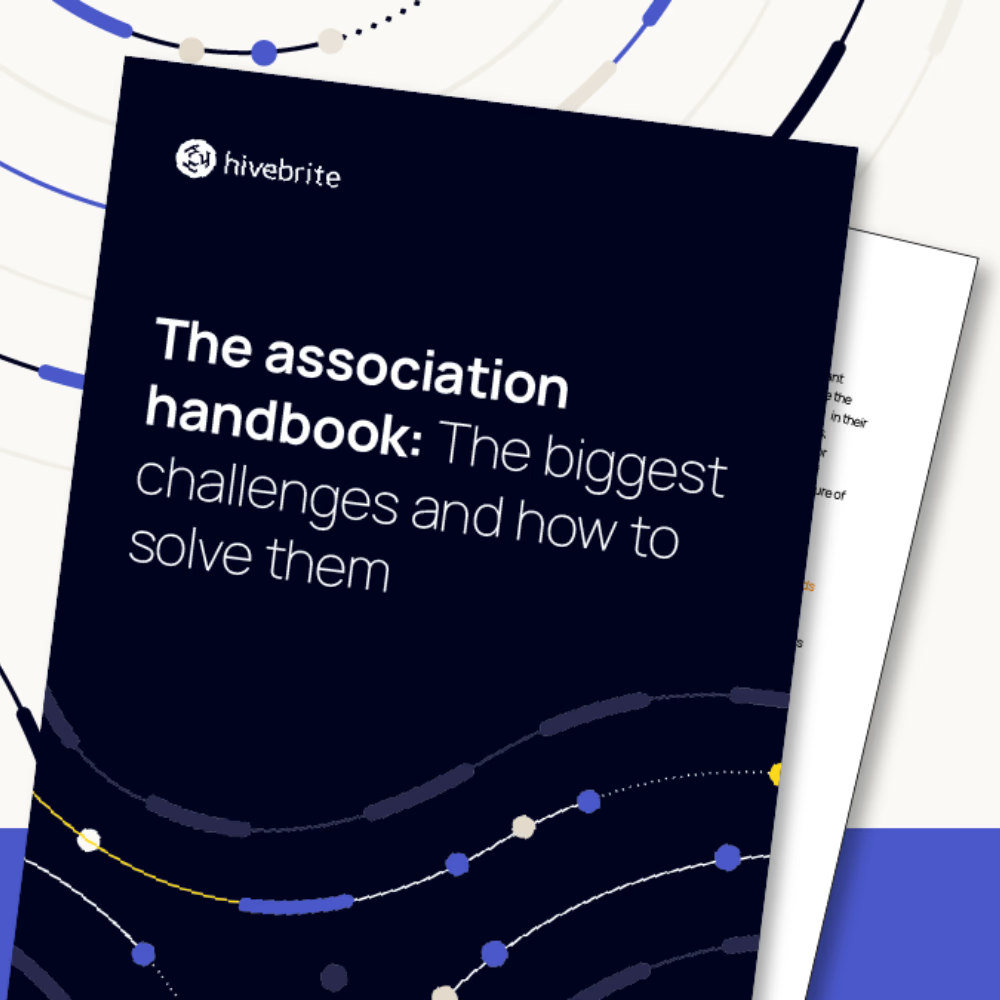
The full handbook includes a step-by-step guide to building a unified member experience — even with a lean team and legacy systems. Get your copy here.
Getting your information architecture right
A unified entry point fails if members get lost once inside.
Don’t drop members onto a blank dashboard. Show them clearly what to do next. Direct them toward the chapter or special interest group most relevant to them. Surface the resource most likely to deliver immediate value. Give them one clear action, not six.
Organize your community spaces with a clear taxonomy. Separate geography-based chapters from discipline-based special interest groups (SIGs). Use consistent naming conventions so members can browse without confusion.
Assign a designated owner to every space. Without accountability, active groups drift quickly. Implement strict sunsetting rules: if a group has zero activity for six months, archive it. A clean directory signals a well-run organization.
SSO solves one problem, not all of them
Single sign-on is often cited as the ultimate fix for tech stack fragmentation, and it certainly helps. It eliminates password fatigue. Members log in once and move between your platforms without authenticating again, removing a major source of dropout.
But SSO cannot fix bad data architecture. If your LMS and community platform don’t actively sync membership tiers with your AMS, single sign-on simply logs a member into a broken experience faster. The login friction disappears, but the underlying problem remains.
Establish a single member profile—one absolute source of truth for a member’s identity, renewal status, and key attributes. Every other platform in your stack reads from this master record. SSO only works when it sits on top of clean data.
A practical path forward
You don’t have to replace everything at once. A phased approach keeps the member experience stable while you reduce fragmentation over time.
Before buying any new software or building integrations, identify your master database (usually your AMS) and establish a single source of truth for member identity and permissions.
Once identity is stable, clean up the sprawl by integrating your core engagement platforms. Scattered chapter websites, standalone forums, and overlapping community platforms belong in a single environment.
Roll out SSO across the newly simplified stack. Once you’ve consolidated your member-facing platforms (like your AMS, LMS, and community platform), connect them with single sign-on to unify to login experience.
Leave specialist back-office systems alone. Members never touch accounting software or HR systems, so keep them out of this conversation.
Each step improves the experience incrementally. You just need a clear direction and a commitment to reducing the number of places a member has to go to get what they paid for.
An association that makes membership feel coherent earns a real competitive advantage. A member renews without ever emailing support. They join a chapter, attend an event, and update their details without a single password reset. They didn’t notice the technology. They only noticed the community. That’s the goal.
The Association Handbook includes a full chapter on fixing fragmented tech stacks, including a practical guide to the front door strategy, SSO reality, and integration decisions for lean teams. Download it here.