Free community event planning template
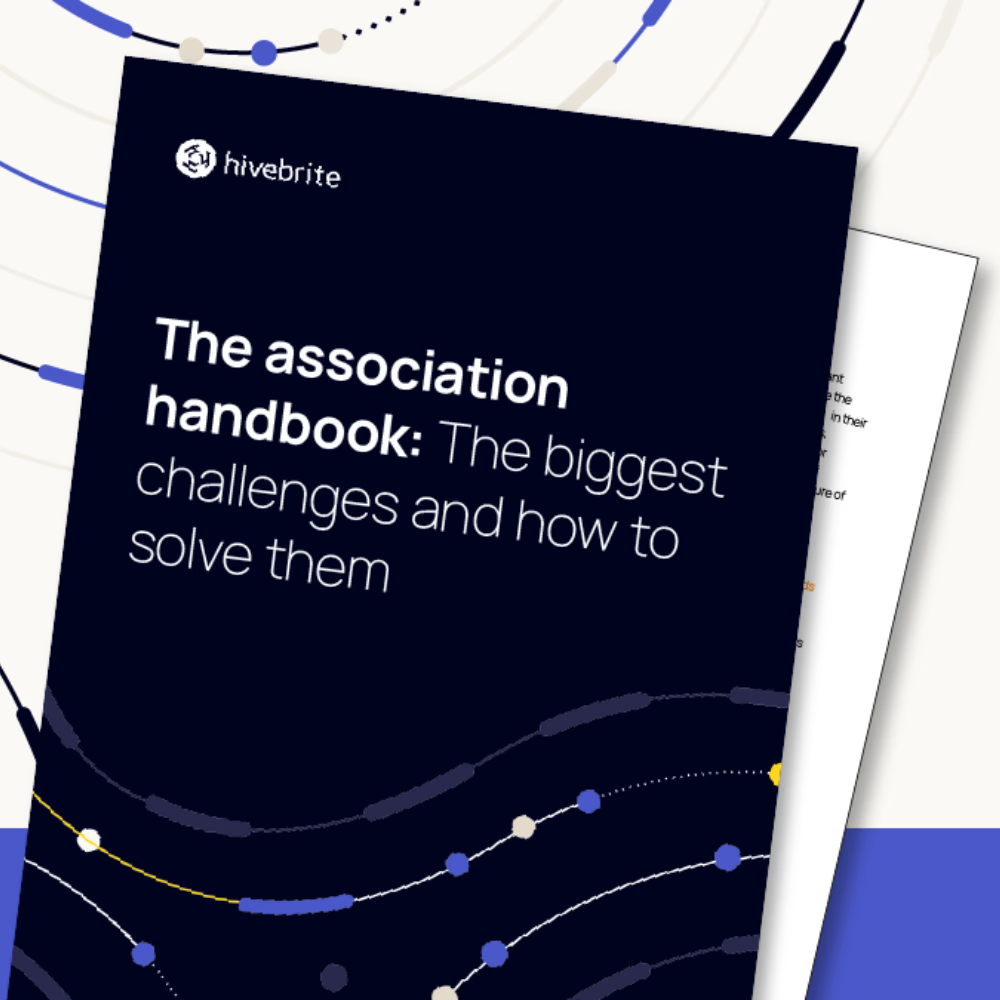
Transform and streamline your event planning with our comprehensive template—covering every step from initial planning to post-event success.
Looking to refresh your community’s virtual events but not sure where to start? Keep scrolling for 10 innovative virtual event ideas.
Download free template
Virtual event ideas for online communities
Cutting through the dings and pings of notifications to truly captivate your community members is trickier than ever. There’s just so much digital noise!
You don’t want to send just another calendar invite for your community event.
You want to send THE invite that makes your members block time in their days to spend time with you and your community.
And it almost goes without saying that during the event you want their full, undivided attention, not for them to be multitasking on a call with Bob from accounts and planning their weekly shop!
Thoughtful, value-driven virtual events are crucial for community success. We have compiled ten event formats to inspire your event strategy.
Do you need strategies to boost attendance?
Even the best-planned events need promotion—no one wants to show up to an empty (virtual) room.
Try effective strategies to enhance virtual event attendance and keep your community buzzing with enthusiasm!
Pre-event momentum
- Send “save the date” teasers 3-4 weeks out
- Create event-specific hashtags for social sharing
- Share speaker/expert bios and topic previews to build anticipation
- Encourage members to invite peers with a “+1” campaign
Strategic promotion
- Send reminder emails at the 2-week, 1-week, and 24-hour marks
- Vary your messaging across channels (email, community platform, social)
- Share testimonials from past event attendees
- Highlight exclusive content or networking opportunities
Value-first messaging
- Lead with clear, specific takeaways attendees will gain
- Address the “what’s in it for me?” question directly
- Showcase interactive elements and engagement opportunities
- Emphasize exclusive resources or materials they’ll receive
Make registration irresistible
- Offer early-bird incentives or exclusive bonuses
- Create FOMO with limited spots or time-sensitive offers
- Provide calendar integration for easy scheduling
- Make the registration process quick and friction-free
Top tip: Track which promotion strategies work best for your community and double down on those channels. Sometimes less is more—focus on quality touchpoints rather than overwhelming your members with messages.
Ten virtual community event ideas
Whether you’re battling screen fatigue or seeking fresh ways to engage your members remotely, these 10 innovative virtual event formats will help you create meaningful connections and memorable experiences in your online community.
Speed networking roulette
Description: Random 1:1 matching for quick conversations
Benefits: Breaks ice quickly, creates multiple connections, low pressure environment
Tips:
- Keep conversation rounds short (5-7 minutes) to maintain energy
- Provide conversation starter prompts to prevent awkward silences
- Send clear instructions about technical setup beforehand
- Include a quick tutorial round to help everyone get comfortable
Implementation with Hivebrite: Deploy an Orbiit matching round across your entire community or a community group. Promote the round using community posts or a series of promotional emails and provide a description and instructions on what to expect and ideas for conversation starters.
Expert AMA (Ask me anything)
Description: Industry expert hosts Q&A session
Benefits: Knowledge sharing, thought leadership exposure, engaging content for later use
Tips:
- Brief your expert on community context and hot topics
- Collect questions in advance to ensure quality content
- Have backup questions ready for slow periods
- Assign a moderator to manage question flow and time
Implementation with Hivebrite: Create a Hivebrite event with video streaming integration. Use custom forms to collect questions beforehand. Leverage the chat feature for live questions. Record session and share recording in the content library. Use event analytics to track engagement.
Community spotlight
Meet Sarah Hempel, Senior Manager, Community Experience, Blanchard
“In the Blanchard Community, we design virtual events that empower leaders at all levels through interactive and engaging experiences. Our lineup includes networking sessions, book clubs, and personal and professional development events—each carefully crafted to foster connection and growth.
One of our most requested events is Leadership Bridges: Building Trust and Connections, a fast-paced, 25-minute networking session for busy leaders eager to expand their global network. These sessions feature quick introductions, focused breakout discussions with conversation starters, and a closing tip on maintaining meaningful professional relationships.
Another standout is our monthly events with facilitator Ellie Haskins, which focus on self-care, goal-setting, and decluttering to make space for what truly matters. Each session includes a practical handout, ensuring attendees leave with actionable insights they can immediately apply.
Across all our events, we prioritize high interactivity, encouraging attendees to engage through chat, breakout rooms, and live discussions. Our goal is to create a dynamic, inclusive space where leaders can connect, learn, and take action—equipping them to drive impact in their organizations and beyond.”
Top tips for creating engaging community events
“As community managers, we know that a great event isn’t just about the content—it’s about how people connect, engage, and walk away feeling inspired. Here’s how we ensure every Blanchard Community event is a success:
1. Partner for success
Strong collaboration between the community team and event facilitator is key. Aligning on goals, best practices, and engagement strategies ensures a smooth experience for both speakers and attendees.
2. Prep for maximum engagement
Set facilitators up for success by:
✅ Sharing community best practices and engagement techniques
✅ Recommending ideal timing and pacing
✅ Setting audience expectations
✅ Providing tools for creating an interactive experience
3. Design interactive experiences
Planned engagement makes all the difference! We incorporate:
🎯 Polls, chat discussions, and breakout rooms to spark conversation
📄 Handouts and worksheets to deepen learning
✏️ On-screen annotations for real-time collaboration
4. Set the stage
Starting strong matters! Every event kicks off with clear housekeeping notes, helping attendees know what to expect and how to engage.
5. Close with a purpose
We always wrap up by:
🌟 Sharing a feedback survey (and we use that feedback to shape future events!)
💡 Encouraging attendees to rate the event and suggest new topics
6. Keep the conversation going
Post-event forums help maintain momentum, giving attendees a space to reflect, share insights, and continue building relationships.
7. Foster a thriving community
We create a space that’s:
✅ Relaxed yet professional
✅ Fun but purpose-driven
✅ Engaging without feeling forced
✅ Knowledgeable while staying approachable
By focusing on connection and engagement, we ensure our community events are impactful, inclusive, and worth coming back to.
Want to see a Community event in action? We invite YOU to join the Blanchard Community and register for an upcoming event! It’s FREE and we’d love to see you there!”
Discover more about Blanchard’s community journey here.
Virtual hackathon
Description: Time-boxed collaborative problem-solving event
Benefits: Tangible outcomes, skill development, team building
Tips:
- Provide clear project requirements and evaluation criteria
- Schedule regular check-ins to keep teams on track
- Have technical support readily available
- Plan other activities to break up longer sessions
Implementation with Hivebrite: Create a multi-day event in Hivebrite. Use the Groups feature to organize teams. Share resources and briefs through the content library. Create discussion forums for each team. Use video rooms for presentations. Display final projects in the showcase section.
Show and tell showcase
Description: Members present their work/projects in short slots
Benefits: Peer learning, visibility for members, content generation
Tips:
- Share presentation guidelines and time limits upfront
- Do a technical run-through with presenters
- Create a presentation template to ensure consistency
- Build in buffer time between presentations
Implementation with Hivebrite: Set up an event with scheduled presentation slots. Share presentation templates through the content library or dedicated group. Use event registration to manage presenter slots. Enable chat for Q&A. Record presentations and add to content library. Use member profiles to highlight presenters.
Discover how Boost, a global community for immunization professionals, uses its community to create value before, during, and after its fellowship program. Read now.
Virtual book club
Description: Monthly discussion of industry-relevant book
Benefits: Continuous learning, regular engagement, shared experience
Tips:
- Share discussion questions ahead of time
- Break longer books into manageable chunks
- Assign discussion facilitators for each session
- Create reading milestones to keep people on track
Implementation with Hivebrite: Create recurring events in Hivebrite’s calendar. Use the content library to share reading materials and discussion guides. Create a dedicated group for book club members. Use discussion forums between meetings. Enable video meetings for discussions.
Explore how the International Institute for Applied Systems Analysis (IIASA) increases event reach and impact with its community. Read now.
Skills exchange workshop
Description: Members teach each other specific skills
Benefits: Practical learning, member empowerment, content creation
Tips:
- Help instructors create clear learning objectives
- Request materials/preparation needs in advance
- Keep groups small for hands-on learning
- Build in practice time during sessions
Implementation with Hivebrite: Use Hivebrite’s event management to schedule workshops. Create custom registration forms to limit participants. Use video meetings with screen sharing. Record sessions and add to learning library. Create skill-based tags in member profiles. Enable direct messaging for follow-up questions.
Virtual scavenger hunt
Description: Online treasure hunt with community-related clues
Benefits: Fun engagement, platform familiarity, team building
Tips:
- Test all clues and technical elements beforehand
- Include a mix of easy and challenging tasks
- Create clear rules and submission guidelines
- Have a backup plan for technical issues
Implementation with Hivebrite: Create an event with custom forms for clue submission. Use the content library to share clues and resources. Create a dedicated group for participants. Display leaderboard through news feed. Track progress through form submissions.
Industry trends panel
Description: Multiple experts discuss current topics
Benefits: Multiple perspectives, high-value content, networking opportunity
Tips:
- Brief panelists on discussion topics beforehand
- Prepare moderator with specific questions
- Do a technical check with all panelists
- Plan speaker transitions and time management
Implementation with Hivebrite: Set up a virtual event in Hivebrite. Use custom forms for audience questions. Enable live chat during the panel. Record and add to content library. Create speaker profiles in the directory. Use event analytics to measure engagement. Share highlights through the news feed.
Virtual office hours
Description: Drop-in consultation sessions with community leaders
Benefits: Direct support, relationship building, regular touchpoint
Tips:
- Set clear expectations for session outcomes
- Create a simple intake form for specific needs
- Build in breaks between sessions
- Follow up with resources discussed
Implementation with Hivebrite: Create recurring events with time slots. Use Hivebrite’s appointment scheduling feature for sign-ups. Enable 1:1 video meetings. Create expert profiles in the directory. Track consultation history through event attendance. Use automated reminders for appointments.
Community awards ceremony
Description: Recognition event for active members
Benefits: Member recognition, celebration, motivation for engagement
Tips:
- Create transparent nomination criteria
- Prepare winner announcements and visuals
- Plan engaging segments between awards
- Request winners share brief remarks
Implementation with Hivebrite: Create an event with live streaming. Use custom forms for nominations. Create news articles to highlight nominees. Enable chat for live reactions. Record ceremony for the content library. Create badges for winners’ profiles. Share celebration photos in the media gallery.

Streamline your event planning with Hivebrite’s comprehensive template
Planning your next event, whether it’s virtual, online, or hybrid, doesn’t have to be daunting. To simplify the process, we offer an event planning template that serves as a comprehensive step-by-step guide, highlighting how Hivebrite’s event management features can further streamline your efforts.


This template is designed to help you organize every aspect of your event seamlessly, ensuring nothing is overlooked. Whether you’re a seasoned planner or new to event coordination, our template provides the clarity and structure needed to create a successful and engaging experience for your community.